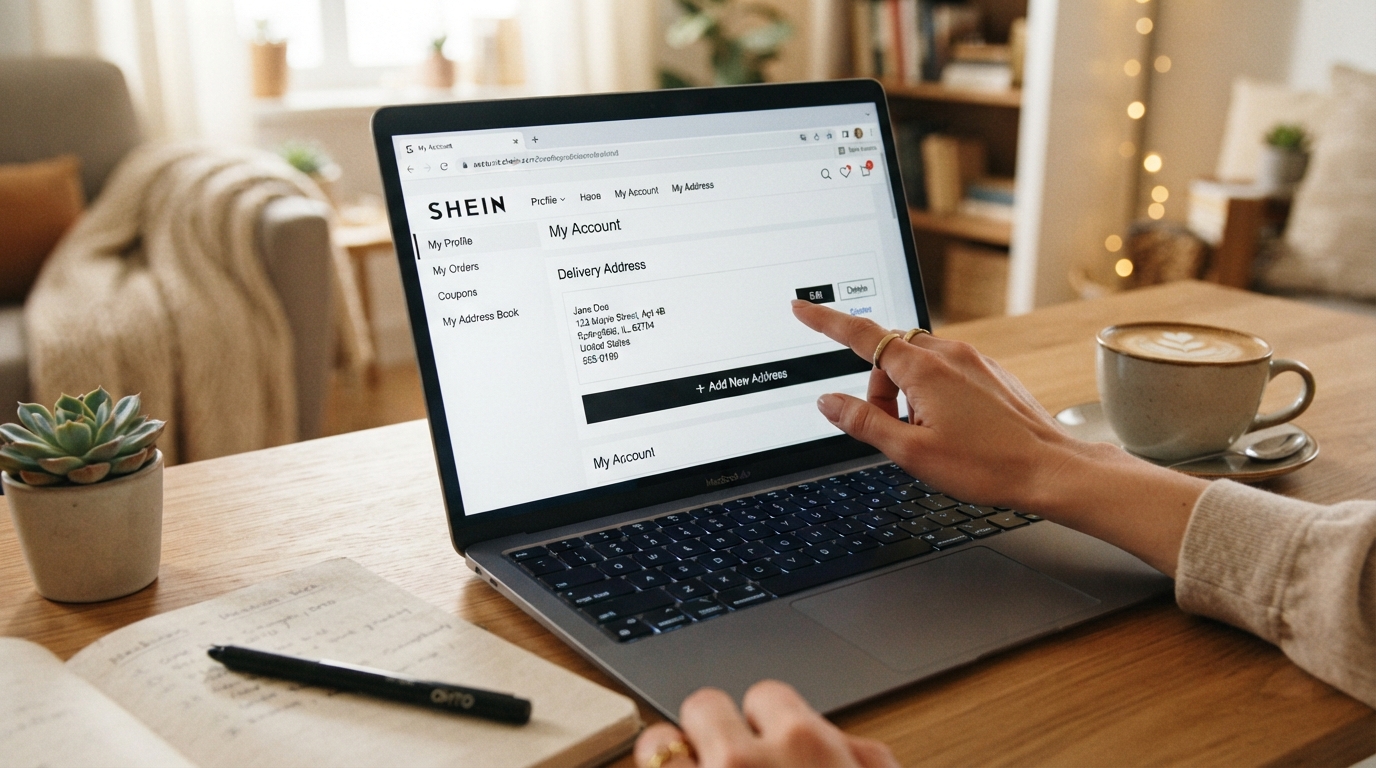
How to Change an Order on Shein
Have you ever felt that sinking feeling in your stomach upon realizing you chose the wrong size or forgot to double-check the shipping address after completing a purchase? It’s a common situation that can leave any shopper feeling anxious.
Knowing how to modify an order on Shein can save your shopping experience and spare you from future headaches.
Today, we’ll explain exactly what you need to check within the app to address this issue.
Check your order status via the app or website
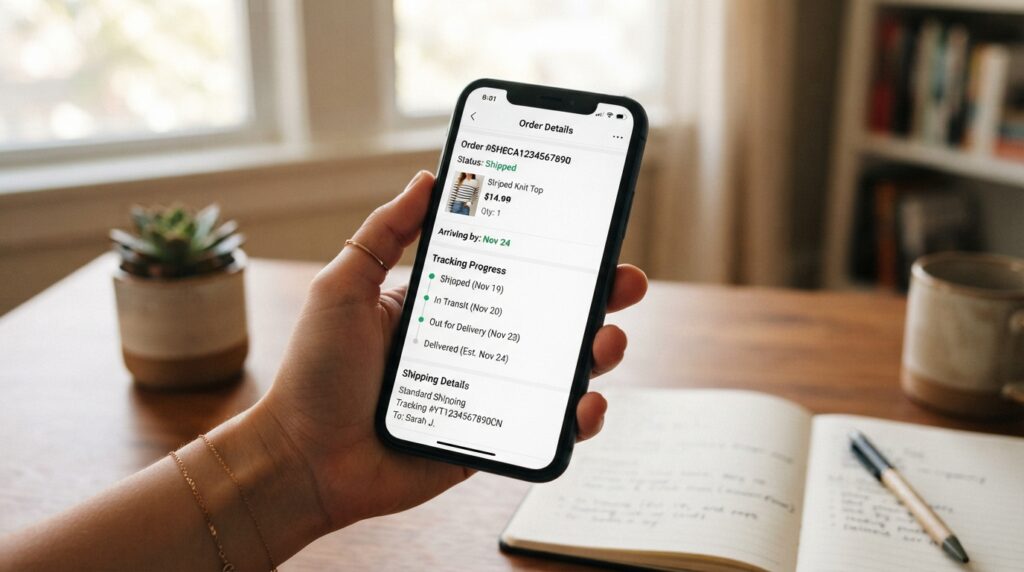
Knowing how to check your Shein order status is the first step toward ensuring everything goes as planned. Before attempting any changes, you need to determine which stage of the logistics process your purchase is currently in.
How to access the “Orders” section in the Shein app
The Shein app provides a convenient interface for those who prefer to handle everything from their mobile device. To locate your purchases, simply open the app and tap the “Profile” icon, located in the bottom-right corner of the screen.
Within your profile, look for the section labeled “My Orders.” By clicking “View All,” you’ll gain access to a complete list of your recent purchases, allowing you to see the current status of each one.
How to check your order via a web browser
If you prefer using a computer, the process is just as simple and straightforward. Visit the platform’s official website and log in to your personal account using your credentials.
Once logged in, click on the profile icon or your username at the top of the page. Select “My Orders” from the side menu to view your detailed order history and the progress of each item purchased.
Important information displayed on the order tracking page
When you open the details of a purchase, you will find crucial information regarding the status of your order. The system indicates whether your payment has been confirmed, whether the item is being prepared, or if it has already been dispatched to the carrier.
- Payment status and confirmation.
- Preparation and packaging phase.
- Updated tracking code.
- Estimated delivery to your address.
Change items, colors, and sizes as long as the order has not yet been shipped
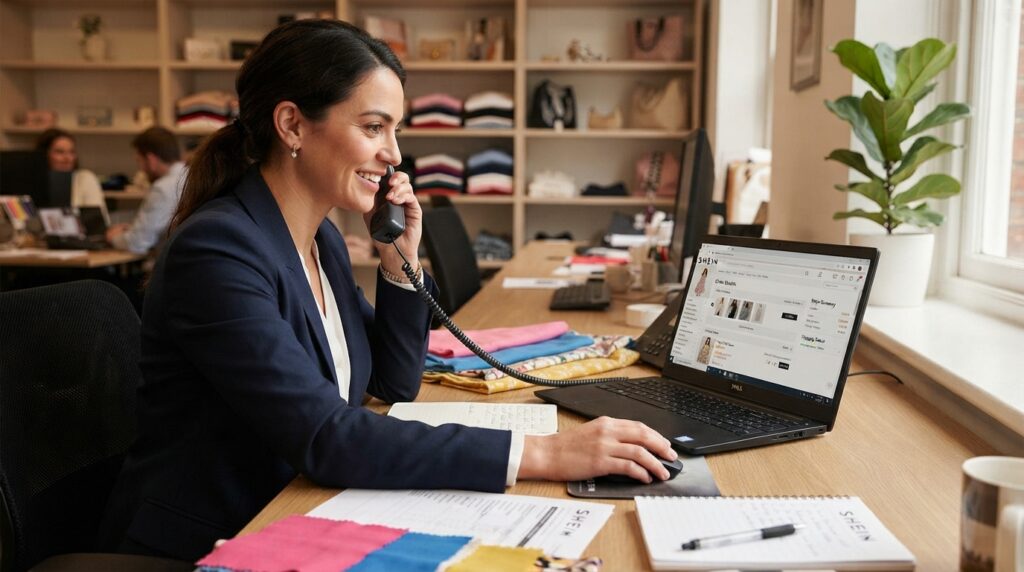
Realizing you’ve made a mistake with an order can be stressful, but there are ways to adjust it before it leaves the warehouse.
The order’s processing status determines whether you can still make changes directly through the platform.
When you can remove a product from an order
Removing an item is only possible as long as the logistics team has not yet begun the picking process. If the cancellation or edit button is still visible, you can easily remove the unwanted product.
If the order has already reached the packing stage, the option to remove items may disappear. At this point, the system considers the logistics process to be underway, making manual changes impossible.
What to do if you’ve chosen the wrong size
If you realize you’ve selected the wrong size, acting quickly is key. Check immediately whether the order can still be edited via the purchase details section.
Often, the platform does not allow for the modification of a single item within a larger order. If direct editing isn’t an option, canceling the specific item—or the entire order—may be the only solution.
Why changing the color or model usually requires a new purchase
Changing the color or model of an item after payment has been confirmed is complex for the system. Because stock is reserved automatically, swapping one variation for another requires releasing the original item and securing the new one.
For security and inventory control reasons, the platform generally requires you to place a new order; this prevents errors during the picking process and ensures you receive exactly what you want.
How to check availability before reordering
Before canceling and placing a new order, verify that the desired product is still in stock. Visit the item’s product page to confirm that the specific size and color are available, helping you avoid any disappointment.
- Check the updated size chart.
- Verify that the item is still in stock.
- Compare the total price, taking into account any applied coupons.
- Ensure that the new color suits your style.
Correct the delivery address promptly
Discovering an error in your Shein delivery address can be quite stressful, but acting quickly is the key to resolving it.
When you spot an issue with the destination details, time becomes your greatest ally in preventing the package from being sent to the wrong location.
Situations where the address can be adjusted
You can request changes to information such as the street name, house number, additional address details (like apartment or unit numbers), or even the postal code (ZIP code). These adjustments are generally possible as long as the system still allows for internal edits before the order reaches the advanced stages of logistics processing.
However, major changes—such as a different city or state—can be more complex. Always check your account to see if the edit option is available, ensuring that your delivery can proceed without any hitches.
How to request a correction through customer support channels
The most efficient way to correct an address for an order is to access customer support within the app. Look for the “help” option and clearly describe the issue to a human representative or via the automated chat.
Be concise when providing your order number and the correct information that should appear on the shipping label. The sooner you reach out, the higher the chances of successfully updating your details.
Information to verify before submitting your request
Before sending your message, double-check every detail with extra care. Ensure that the recipient’s full name is provided, the house number is correct, and that any included landmark or reference point will be helpful to the delivery person.
- Recipient’s full name.
- Street address, number, and additional address details (e.g., apartment or unit number).
- Neighborhood, city, and state.
- Up-to-date postal code (CEP) and contact phone number.
What to do when a package has already been processed or dispatched
If your order has already left the distribution center, making changes becomes very difficult. In this case, it is recommended to monitor the tracking information and, if possible, contact the carrier responsible for the final delivery.
If the package is returned to the sender due to an address error, you may request a refund or a reshipment. Staying calm and keeping track of the order status is the best way to address an incorrect delivery address after an order has been dispatched.
Contacting Shein Support
When an unexpected issue arises with your purchase, Shein Support is the best place to seek a solution. Their team can guide you through potential adjustments before the package is sent to your address.
How to access customer support via the app
To start a conversation, open the app and go to the “Profile” tab. Look for the “Support” or “Help Center” option, which can be found at the bottom of the screen.
Once you select the specific order, you will see a chat icon or a button to send a message. This Shein support channel allows you to describe the issue directly to a human agent.
How to clearly explain the requested change
Being clear is essential so that the support agent can quickly understand your needs. Avoid long, wordy explanations and focus on the key points of your request.
Always include your order number at the very beginning of your message. State the error directly and explain the change you would like to make, while maintaining a polite and patient tone throughout the interaction.
What documentation or information might be requested
To speed up the process, have your purchase details on hand. Shein Support may ask for some basic information to verify your identity and the order in question:
- Full order number;
- Screenshots showing the identified error;
- Updated registration details;
- Photos of the items, if the issue relates to defects.
How to track the response to your inquiry
After submitting your request, you can check the status of the response directly in your chat message history. Shein’s customer service team typically sends notifications via the app whenever an agent replies to your query.
Keep an eye on your phone so you don’t miss the response. If your request is complex, the response time may vary, but the conversation history will remain saved and available for you to review at any time.
Conclusion
Mastering the process of adjusting your purchases requires immediate attention to your order status. Checking it promptly allows you to take the necessary steps before the package leaves the distribution center.
If the system does not allow for direct edits, reaching out to customer support, canceling the order, or initiating a return are reliable ways to resolve any discrepancies.
Learning how to modify an online purchase makes your shopping experience much simpler. Reviewing every detail—such as measurements and addresses—before clicking the payment button is the best habit for avoiding errors.