
HOW TO WATCH MOVIES ONLINE ON YOUR PHONE
Have you ever stopped to consider whether the screen of your mobile device could offer an experience as immersive as that of a traditional movie theater? Many people believe that quality depends solely on the device itself, but the secret goes much further than that.
To watch movies online on your phone with complete comfort, you need to consider the stability of your connection and choose the right platform. Adjusting playback settings also makes a significant difference, helping you save data while ensuring crisp, clear images.
Today, we’ll explore simple ways for you to enjoy your favorite titles safely and conveniently.
HOW TO WATCH MOVIES ONLINE ON YOUR PHONE: what you need to get ready
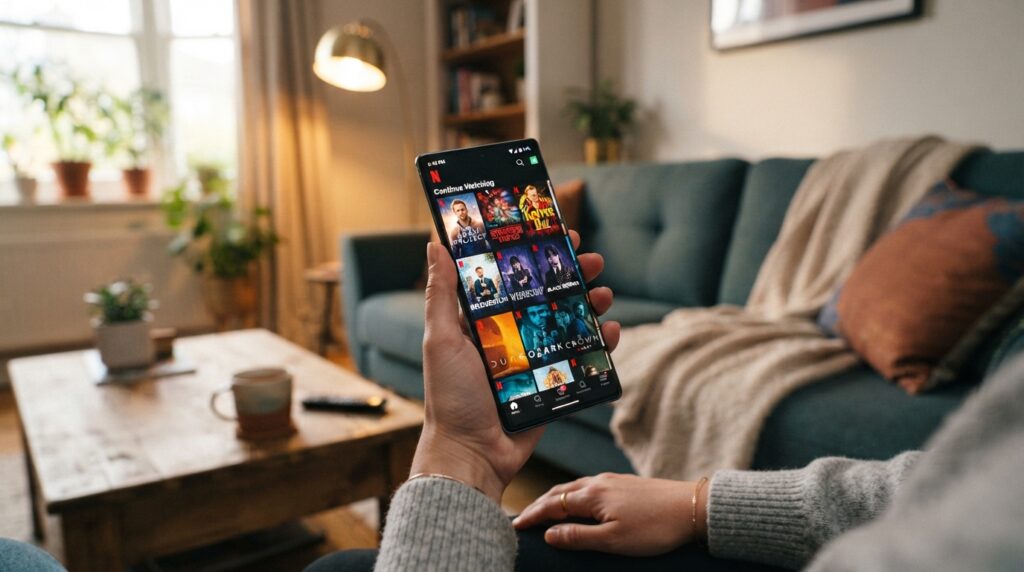
Before you hit play, a few simple adjustments to your device can transform your experience. Preparing your device ensures you can enjoy every scene without freezing or visual discomfort.
Choose a phone compatible with streaming
Operating system, available storage, and updates
To ensure your phone is compatible with streaming, check that your operating system is up to date. Recent versions of Android or iOS offer better support for video apps.
Additionally, keep some free space in your internal storage; this allows the system to run smoothly and prevents the app from closing unexpectedly while you’re watching a movie.
Screen size, brightness, and audio quality
Screen quality is essential for a truly immersive experience. Larger screens with good resolution make viewing much more enjoyable.
Adjust the brightness to suit your environment and avoid eye strain. Also, don’t forget to test the audio to ensure the volume is clear and well-balanced.
Check your connection before you begin
Differences between Wi-Fi, 4G, and 5G
A solid streaming connection is the key to avoiding endless buffering. Wi-Fi is usually the most stable and cost-effective option for long marathons.
Meanwhile, 4G and 5G are excellent alternatives when you’re away from home. 5G offers superior speeds, making it ideal for high-definition content without interruptions.
How to avoid interruptions during playback
To maintain a consistent streaming connection, try not to move too far away from your router. If you’re using mobile data, check that the signal is strong before starting your movie.
Closing background apps also helps free up bandwidth for your video. With these precautions, you can ensure a smooth, uninterrupted movie-watching session.
How to choose a secure platform for watching movies
Deciding where to watch your favorite films requires a bit of attention to ensure both security and quality. With so many options available, knowing how to distinguish reliable services from dubious websites is the first step toward a trouble-free experience on your mobile device.
Subscription-based streaming services
Catalog, available plans, and number of screens
Secure streaming platforms typically offer diverse catalogs that cater to all tastes. When choosing a plan, check whether it allows simultaneous access on more than one device—especially useful if you share the account with your family.
Also, consider whether high-quality video, such as 4K, is included in your chosen package. Comparing monthly costs helps you find the best value for your money.
Download and offline playback features
A good subscription service allows you to download content directly to your device. This feature is essential for those who want to watch movies while traveling or in places without a stable internet connection.
Free platforms and ad-supported options
How to identify legitimate services
It is possible to find legal, free streaming services that are completely safe. These services are generally funded by advertisements shown before or during the playback of a movie.
To determine if a site is legitimate, check if it is a well-known brand and if it is available through your mobile device’s official app store. Avoid sites that request banking information for services claimed to be free.
Why you should avoid sites that promise unauthorized releases
Steer clear of websites that promise recent theatrical releases for free and without authorization. Such sites are often hotbeds for viruses and malware that can compromise the security of your personal data.
Beyond the digital risk, the image and sound quality on these sites are usually very poor. Choosing legal, free streaming services ensures that you support the industry while protecting your device from threats.
Renting and purchasing digital movies
When this option makes sense
Renting or purchasing movies digitally is a great choice when you want to watch a specific new release that isn’t yet available on subscription streaming services. You pay only for the title you choose, with no need to commit to a recurring monthly subscription.
This option is worthwhile when you want access to a high-quality film—complete with official subtitles and dubbing—without any security risks. It’s a convenient way to have a virtual video rental store right in your pocket, available whenever you need it.
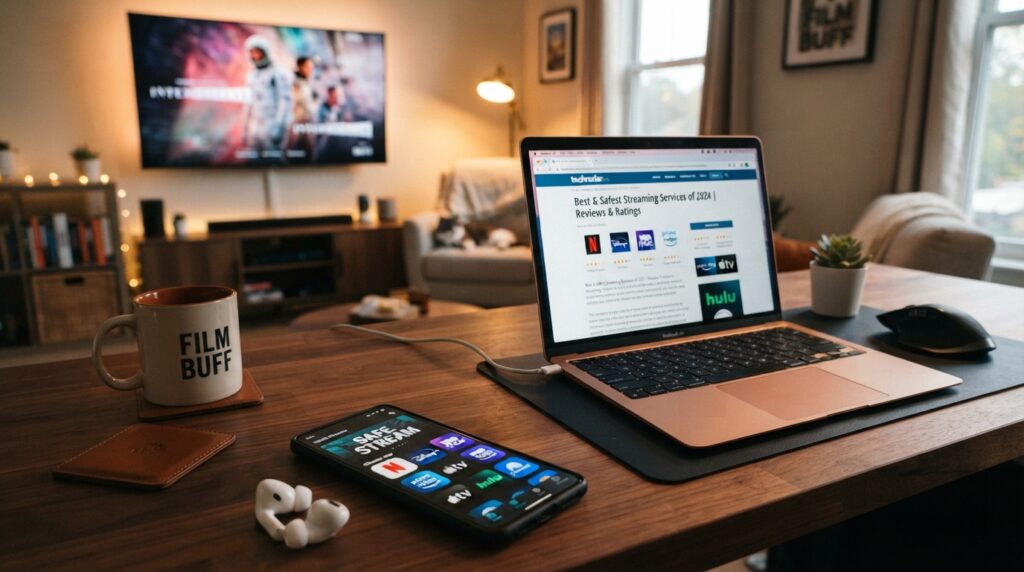
How to create an account and find the movie you want
Learning how to create a streaming account is the first step toward enjoying your favorite movies. Once your access is set up, you’ll have a world of entertainment right in the palm of your hand.
Registration, login, and choosing a plan
Information required to set up your access
To get started, most platforms ask for basic details such as your full name, email address, and a valid payment method. Choosing the right plan depends on your viewing habits and how many people will be using the account.
- Decide whether you prefer monthly or annual plans.
- Check the number of simultaneous screens allowed.
- Verify whether the plan offers high-definition image quality.
Password and Authentication Best Practices
The security of your data is essential when creating a streaming account. Use strong passwords—combining letters, numbers, and special characters—to prevent unauthorized access.
Whenever possible, enable two-factor authentication; this ensures that only you can access your profile, even if someone else discovers your password.
Searching by Title, Genre, or Cast
Using Filters to Find Options Quickly
Once logged in, you can search for movies online using the search bar or the suggested categories. Filters are powerful tools that help refine your results to match your personal preferences.
- Select the desired genre, such as action or comedy.
- Filter by release year or popularity.
- Use the names of actors or directors to find specific works.
How to check ratings, duration, and language
Before hitting play, it’s a good idea to check the technical details of a title. Most apps display the age rating, total runtime, and available audio and subtitle options.
This information helps you decide whether a film is appropriate for the occasion or for the people watching with you—helping you avoid unpleasant surprises and ensuring a more enjoyable experience.
Watchlists and personalized recommendations
The most efficient way to browse for films online is by using a “My List” or “Watchlist” feature. By adding titles that catch your interest, you build a personal library that you can easily access later.
Furthermore, the platform’s algorithm learns from your choices and begins suggesting similar content. The more you watch and rate, the more accurate the recommendations tailored to your profile become.
How to adjust video quality for your specific connection
Adjusting video quality while streaming is essential to avoid unpleasant surprises regarding your data plan. By mastering these settings, you can ensure your movies play smoothly, regardless of your current network speed.
Resolution settings and data consumption
When to use “automatic” quality
The “automatic” option is ideal for those who frequently switch between Wi-Fi and mobile data. The app detects your available speed in real time and adjusts the resolution to prevent playback interruptions.
Differences between standard definition (SD), HD, and higher resolutions
Standard definition (SD) consumes less bandwidth and is perfect for smaller screens, keeping your streaming data usage low.
HD format offers greater clarity but requires a stable connection and consumes more data. Higher resolutions, such as 4K, are recommended only for high-speed fiber-optic connections.
Estimated mobile data consumption
How to reduce data plan usage
To save data, you can manually set the resolution to a lower level within the app’s settings. This prevents the system from automatically attempting to reach the highest possible quality, which could quickly exhaust your data allowance.
Setting up usage alerts and limits
Many mobile carriers allow you to configure data usage alerts directly through your customer account dashboard.
Additionally, some streaming apps include built-in tools that notify you when you are using mobile data, helping you keep track of your daily streaming data consumption.
How to fix pixelated images or slow playback
Restarting the app, your router, or your mobile connection
If the image appears pixelated or the video stops loading, the first step is to close and reopen the app. If the problem persists, try toggling “airplane mode” on your phone to reset its connection to the cellular network.
If you are using Wi-Fi, turning your router off and back on can often resolve network bottlenecks. Adjusting your streaming video quality based on the stability of your connection is the best way to ensure a frustration-free movie marathon.
Conclusion

Turning your smartphone into a private movie theater requires just a few strategic adjustments. By following these tips for watching films on your mobile device, you can ensure that every viewing session is smooth and free from unwanted interruptions.
The quality of your mobile streaming experience depends directly on attention to detail. Balancing data usage with image resolution allows you to enjoy content from platforms like Netflix, Prime Video, or Disney+ without any unpleasant surprises on your monthly bill.
Remember to organize your downloads in advance so you can still enjoy your entertainment in places without an internet connection. Adjusting the audio and subtitles to suit your personal preferences makes your leisure time far more immersive and comfortable.